
How to View Payment Details
Lexupay allows us to view payment details to verify transactions and take necessary actions. The following instructions will guide us through viewing payment details easily.
-
Open the LexuPay website
-
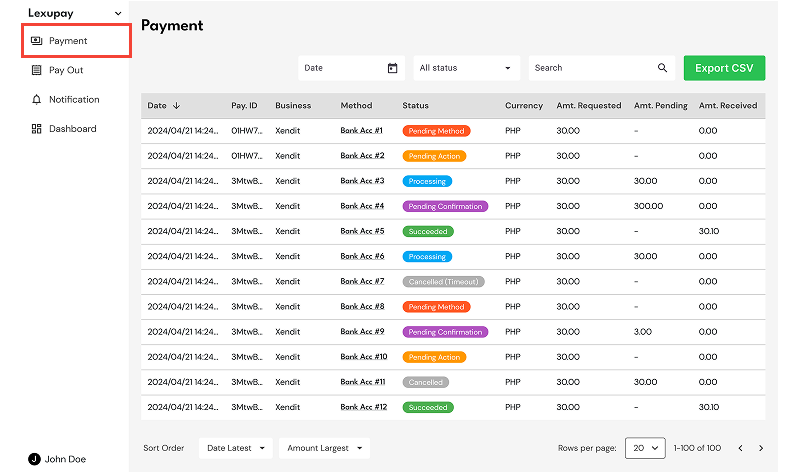
Open the Payment page.
-
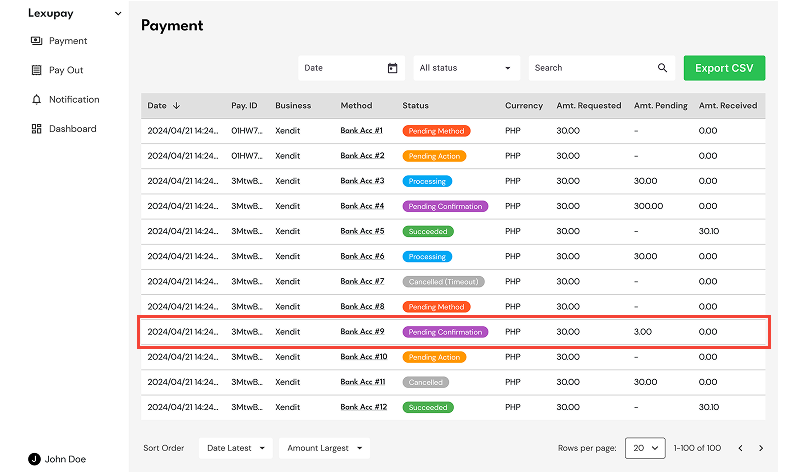
Select a payment to view the details.
-
The Payment Details page has successfully opened.
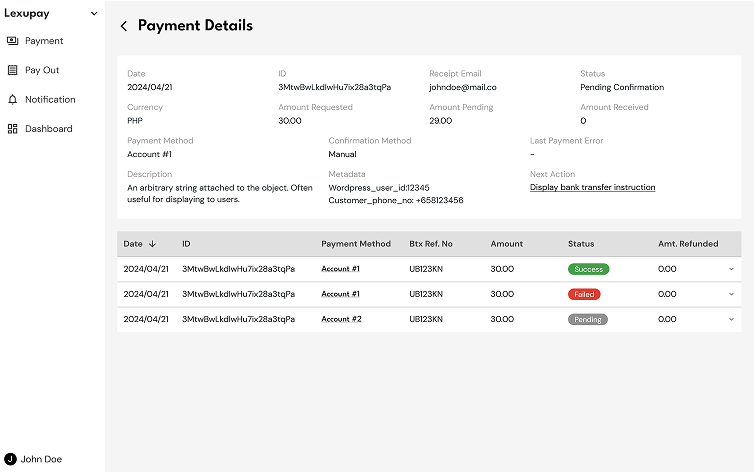
On the Payment Details page, you can view comprehensive information about the payment as well as a list of all related transactions.
Handling Payments with Pending Confirmation Status
By organizing this information systematically, users can more easily follow the steps to view payment details and manage the 'Pending Confirmation' status. Each step is presented clearly to facilitate efficient navigation and use of Lexupay features.
- If a Payment Has the Status "Pending Confirmation":
-
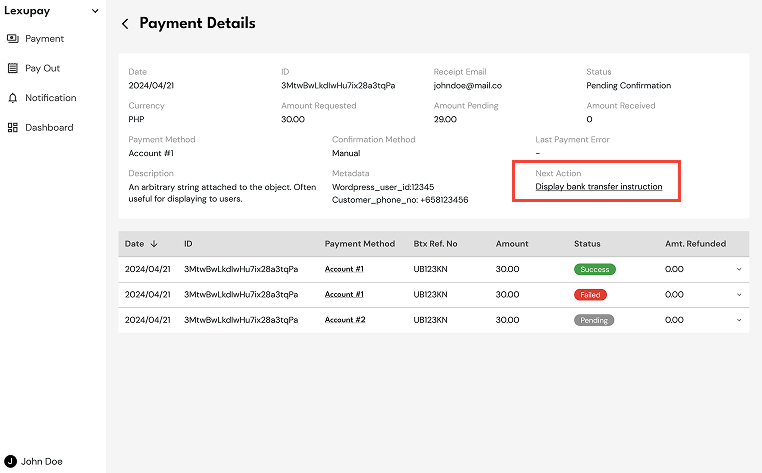
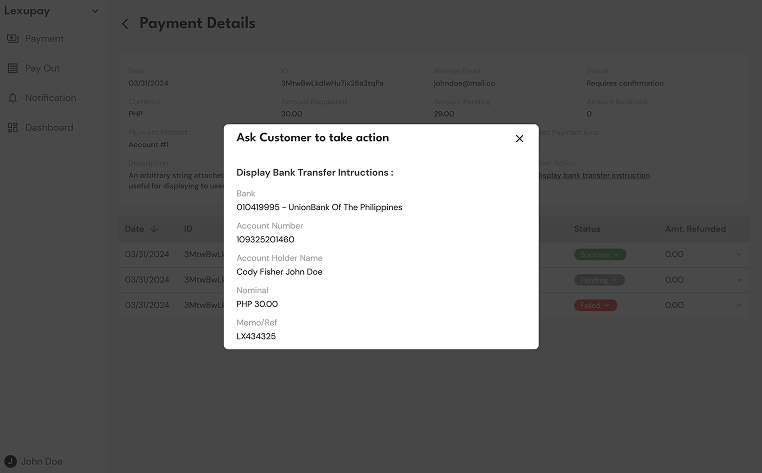
On the Payment Details page, follow the instructions under Next Action - Display bank transfer instruction to proceed with the process.
How to access the Payment Details page: Payment -> Select a payment from the list with Pending Confirmation status -> Payment Details.
-
Proceed by following the instructions in the Ask Customer to take action dialog.
-
- To View Payment Transaction Details:
-
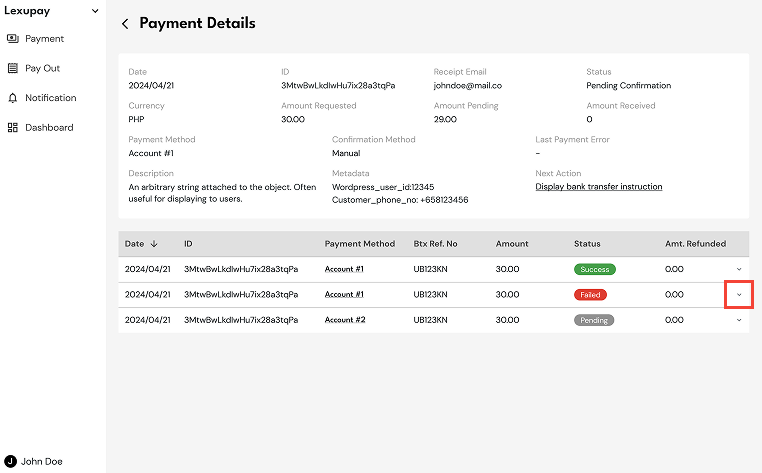
Select Expand on one of the payment listings in Payment Details.
-
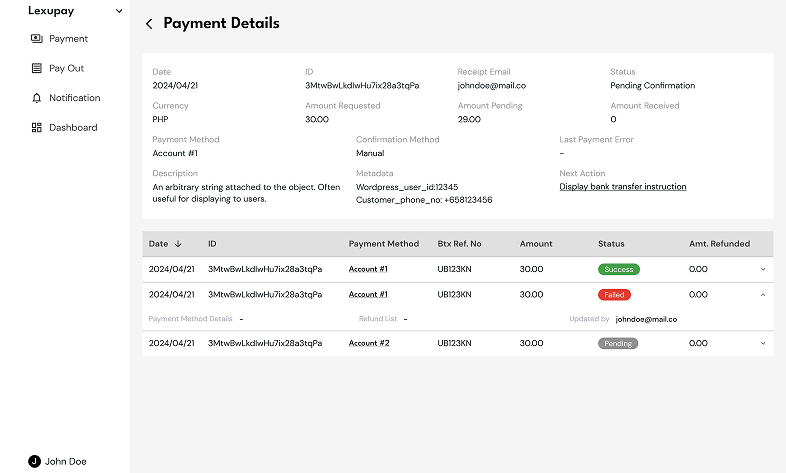
The details of the failed payment will be displayed.
-
Updated about 1 year ago